
How to repeat an object along a path
Draw a path with the pen row's path tool and one shape or icon, select both, then choose Edit › Repeat along path. Copies are laid evenly along the path as one group; set the spacing and orientation in Properties.
Steps
Draw the path: press P for the pen row and choose path. Click for corners or drag for curves, and press Esc to finish.
Draw or insert the object to repeat: a shape from Shapes, or an icon from the Library.
Select both. With Select (V), drag a box around them.
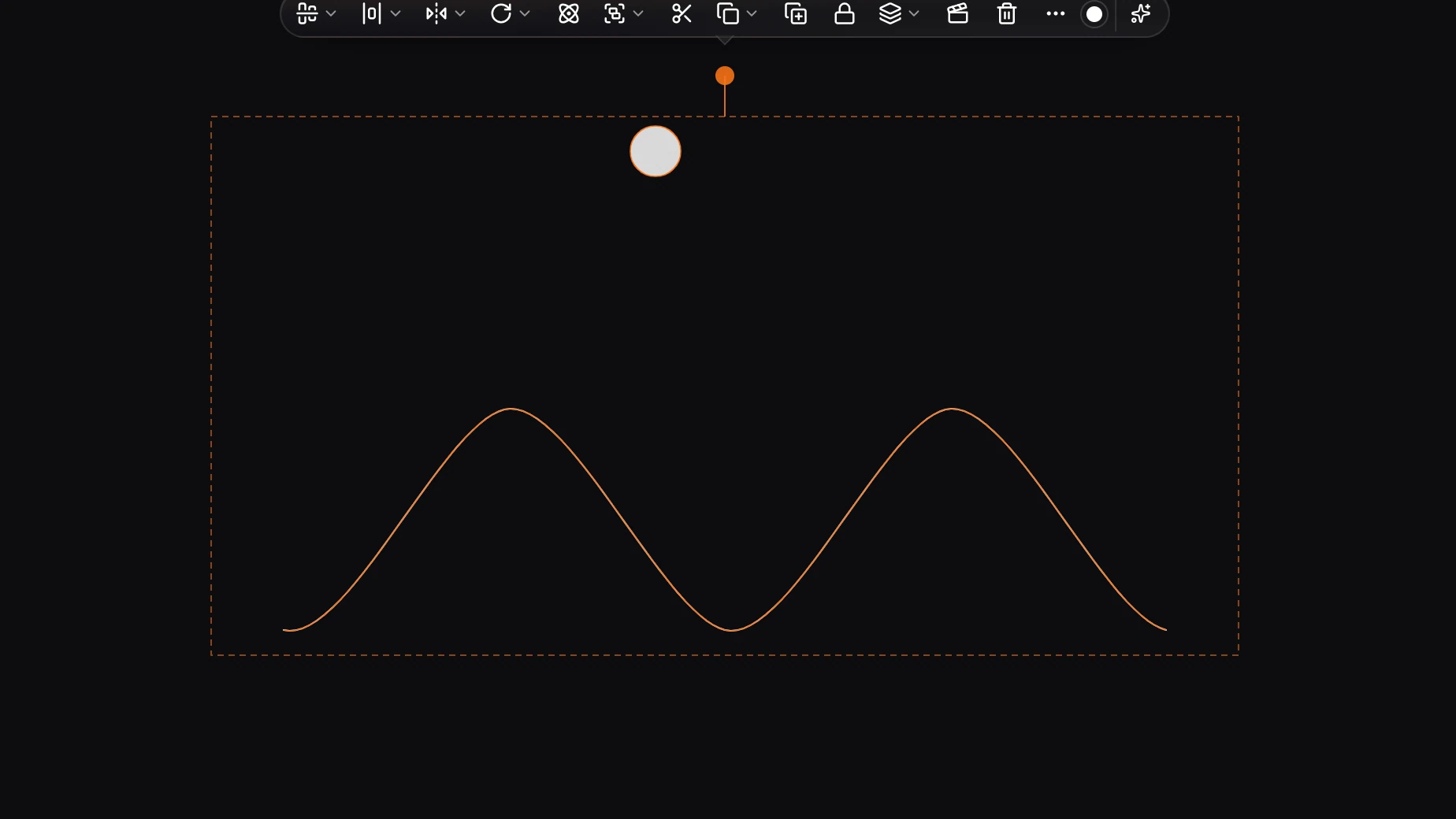
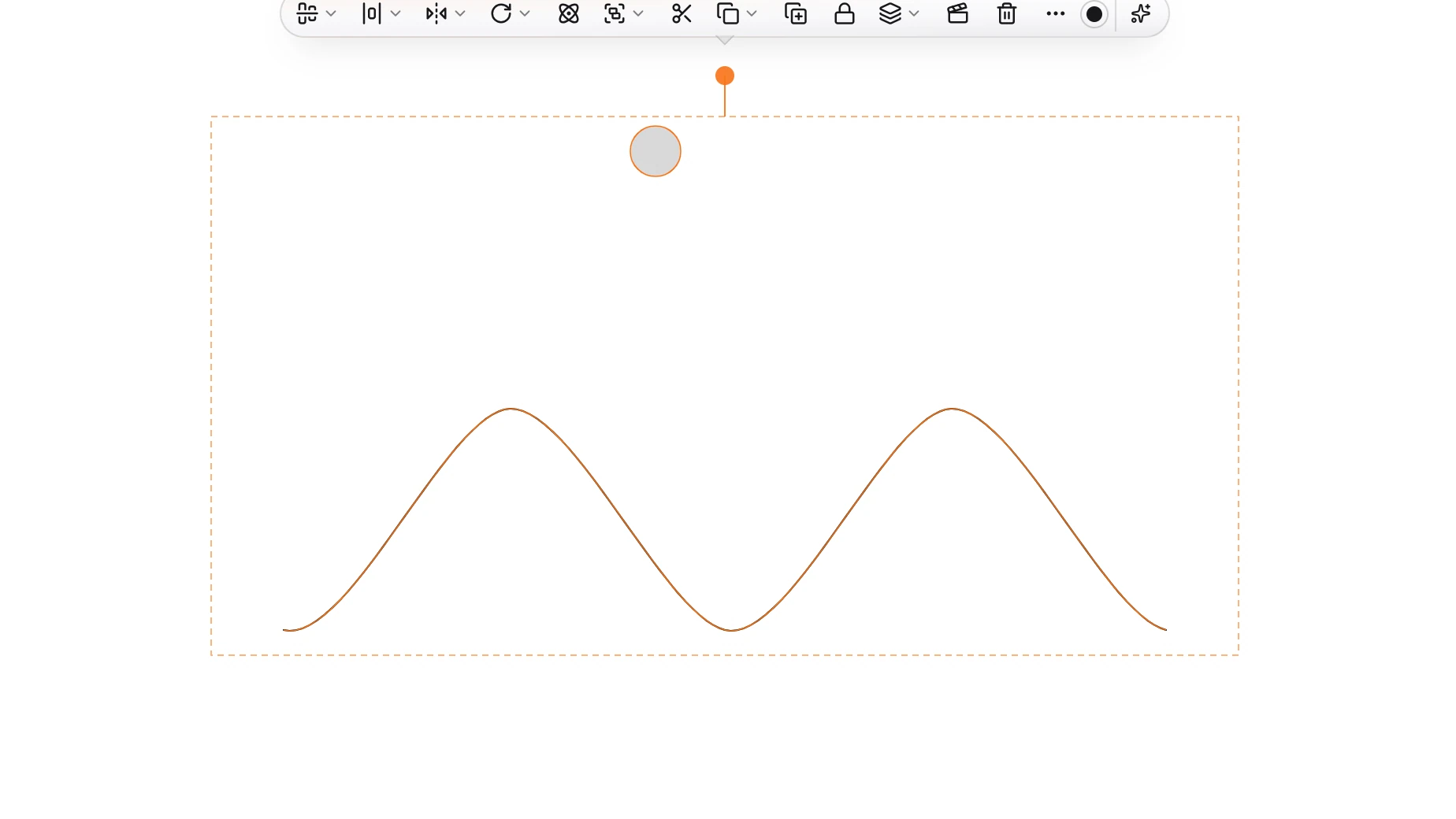
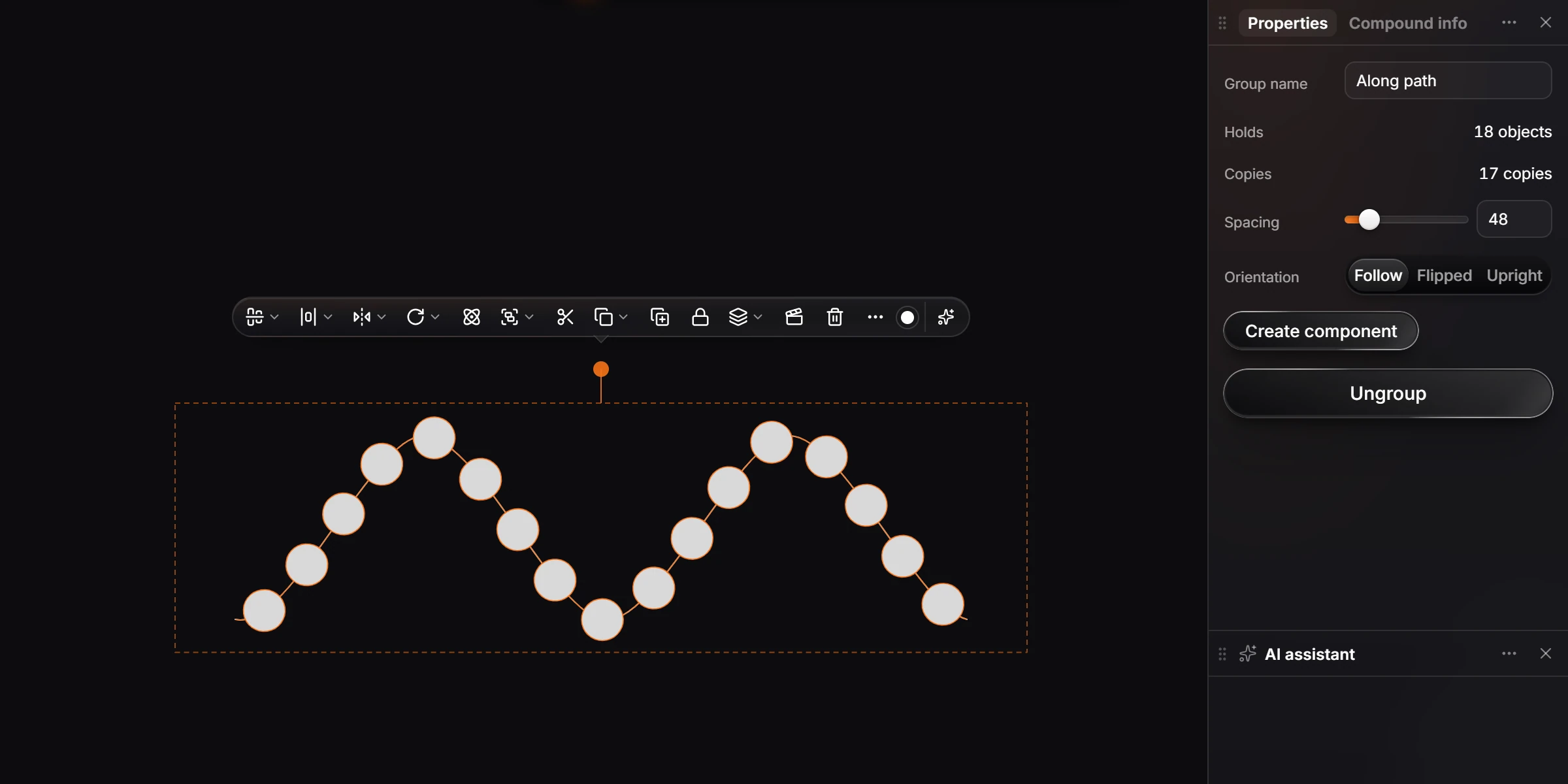
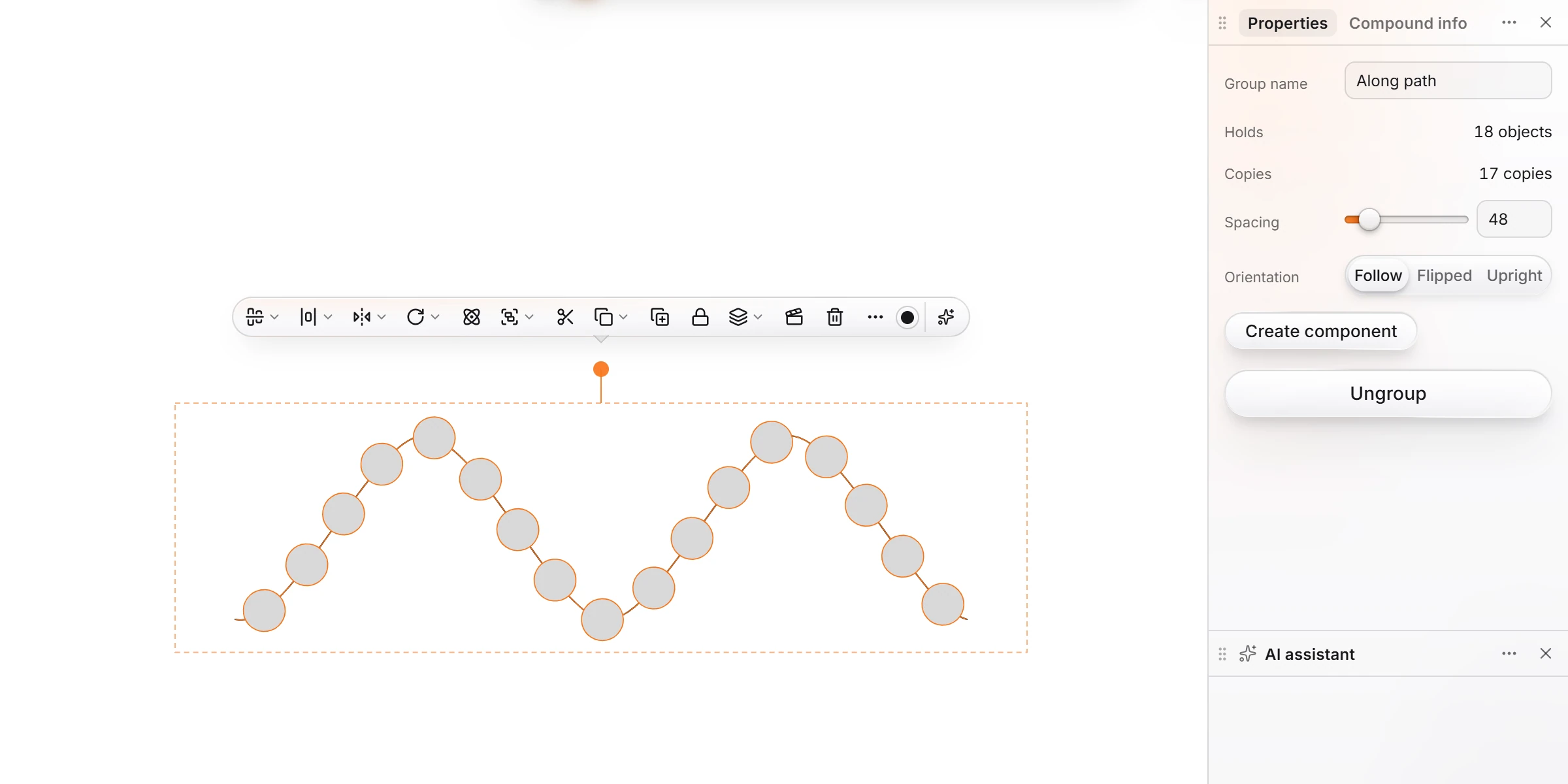
Choose Main menu › Edit › Repeat along path, or press Ctrl+K and type it. The notice says how many: "Laid 17 copies along the path."
Adjust it
The copies and the path become one group, Along path. Select it and Properties shows:
| Setting | Does |
|---|---|
| Copies | How many were laid |
| Spacing | The distance between copies |
| Orientation | Follow turns each copy square to the path; Flipped faces it the other way; Upright keeps every copy as the object was drawn |
Ungroup turns them back into separate objects you can edit one by one.
Note
The object must be a shape, a picture or an icon. A structure is not repeated along a path.
Is this helpful?
Last updated Nov 15, 2026
- Still stuck? Read the FAQ or contact support.
- Something wrong on this page? Tell us.
- For AI tools: llms.txt