
How to insert a compound from the library
Open the Library tab beside Layers, search for the compound, and drag its row onto the canvas. It is drawn where you let go, as an editable structure. For a compound you can name, Quick insert (press /) is faster.
Steps
Open the Library tab beside Layers on the left.
Search for the compound, for example
caffeine. Matches are listed with their formula; official entries carry the Athanor mark. See search the library.Drag the compound's row onto the canvas and let go where you want it.
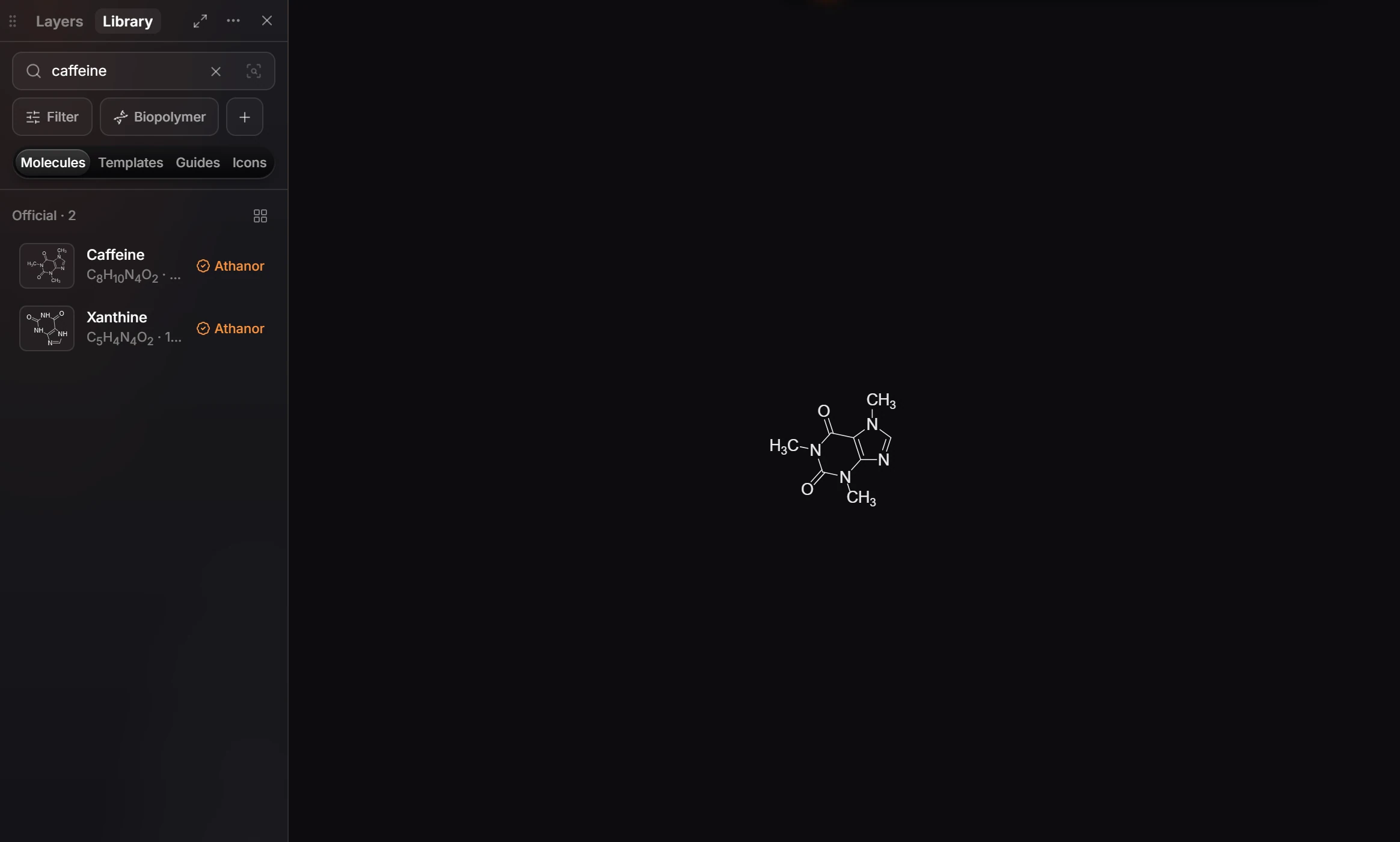
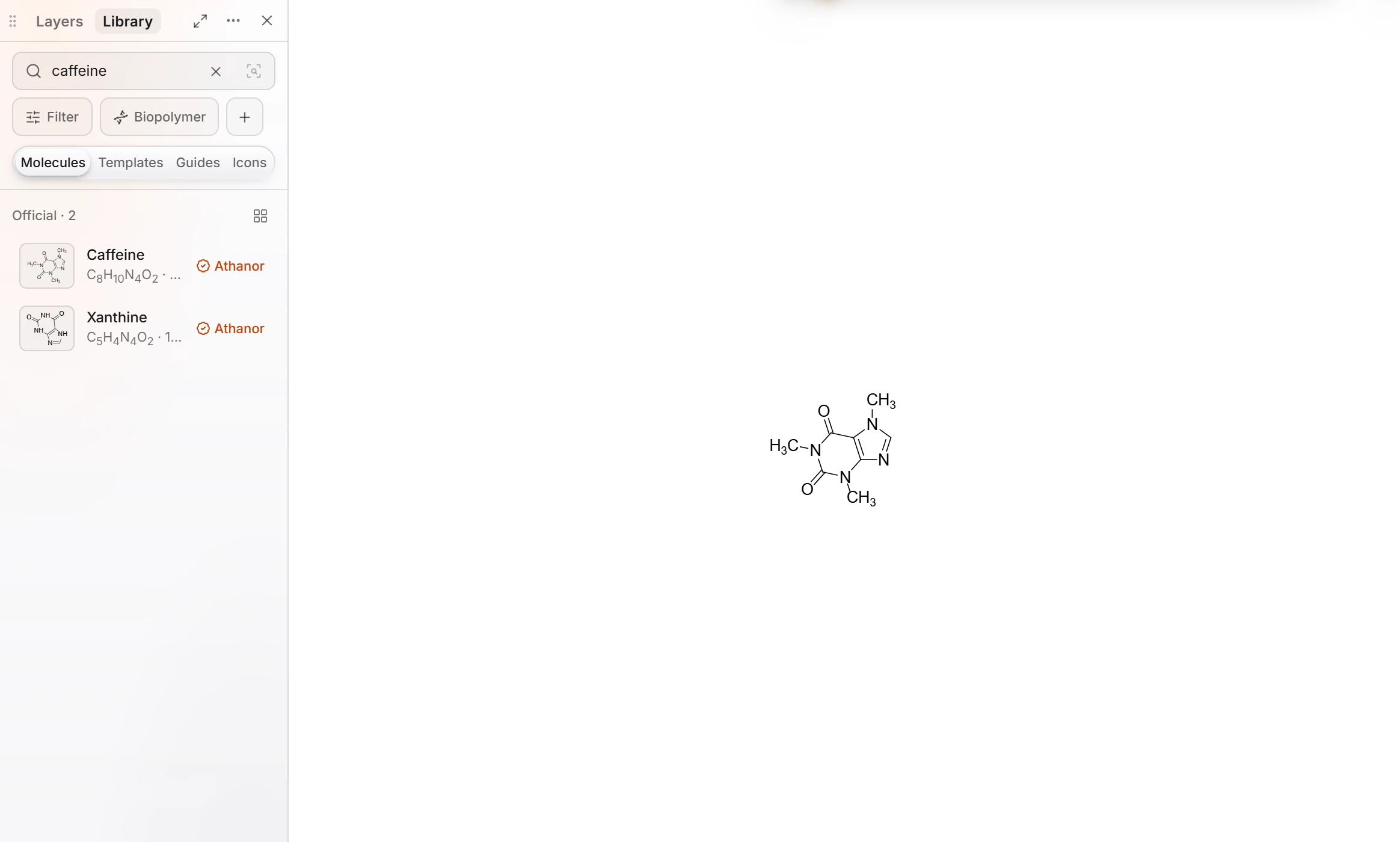
The structure is drawn at your document's bond length and style, and is listed in Layers under its name. It is ordinary chemistry: edit it like anything you drew.
You can also browse instead of searching: Browse categories (Inorganic, Amino acids, Carbohydrates, Nucleic acids, Lipids and more) lists compounds you drag in the same way.
Tip
If you know the name, press / for Quick insert, type it, and press Enter. It reads names, SMILES, formulas and more without opening a panel.
Is this helpful?
Last updated Nov 15, 2026
- Still stuck? Read the FAQ or contact support.
- Something wrong on this page? Tell us.
- For AI tools: llms.txt