
How to enumerate R-groups and Markush structures
Label an atom of the core R1 (and R2 and so on), add a text caption such as R1 = Me, Cl, OMe, then press Ctrl+K and choose Enumerate R-groups. Every combination is drawn under the core, each with its caption.
Steps
Draw the core. Label the variable atom R1: select the atom, and in Properties set Label to
R1. Use R2, R3 and so on for more positions.Add a text caption with what each R-group can be, for example
R1 = Me, Cl, OMe. One caption per R-group.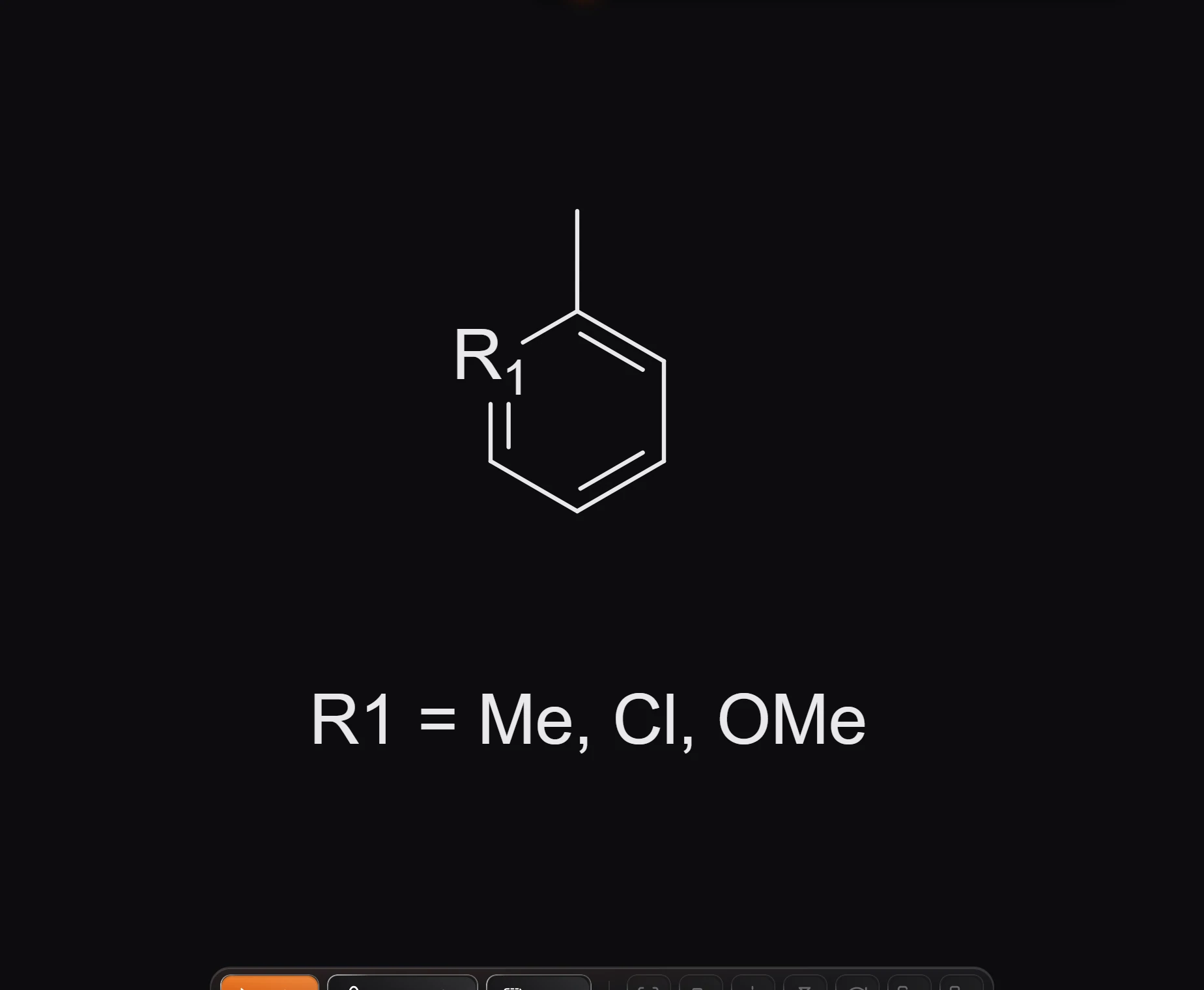
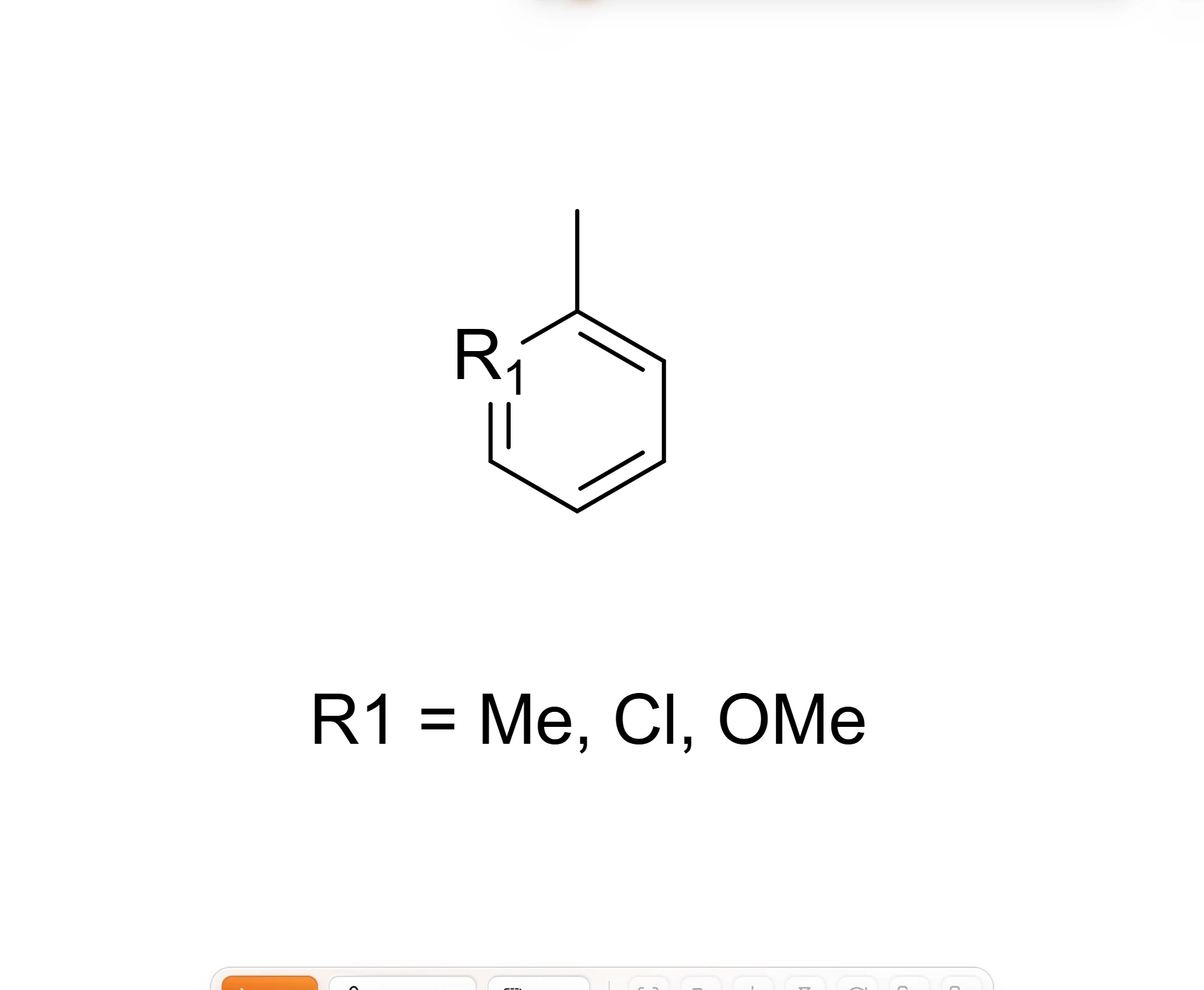
Press Ctrl+K and choose Enumerate R-groups (or Main menu › Insert › Enumerate R-groups).
Every combination is drawn under the core, each with its own caption such as "R₁ = Cl". The notice says how many: "Drew 3 structures".
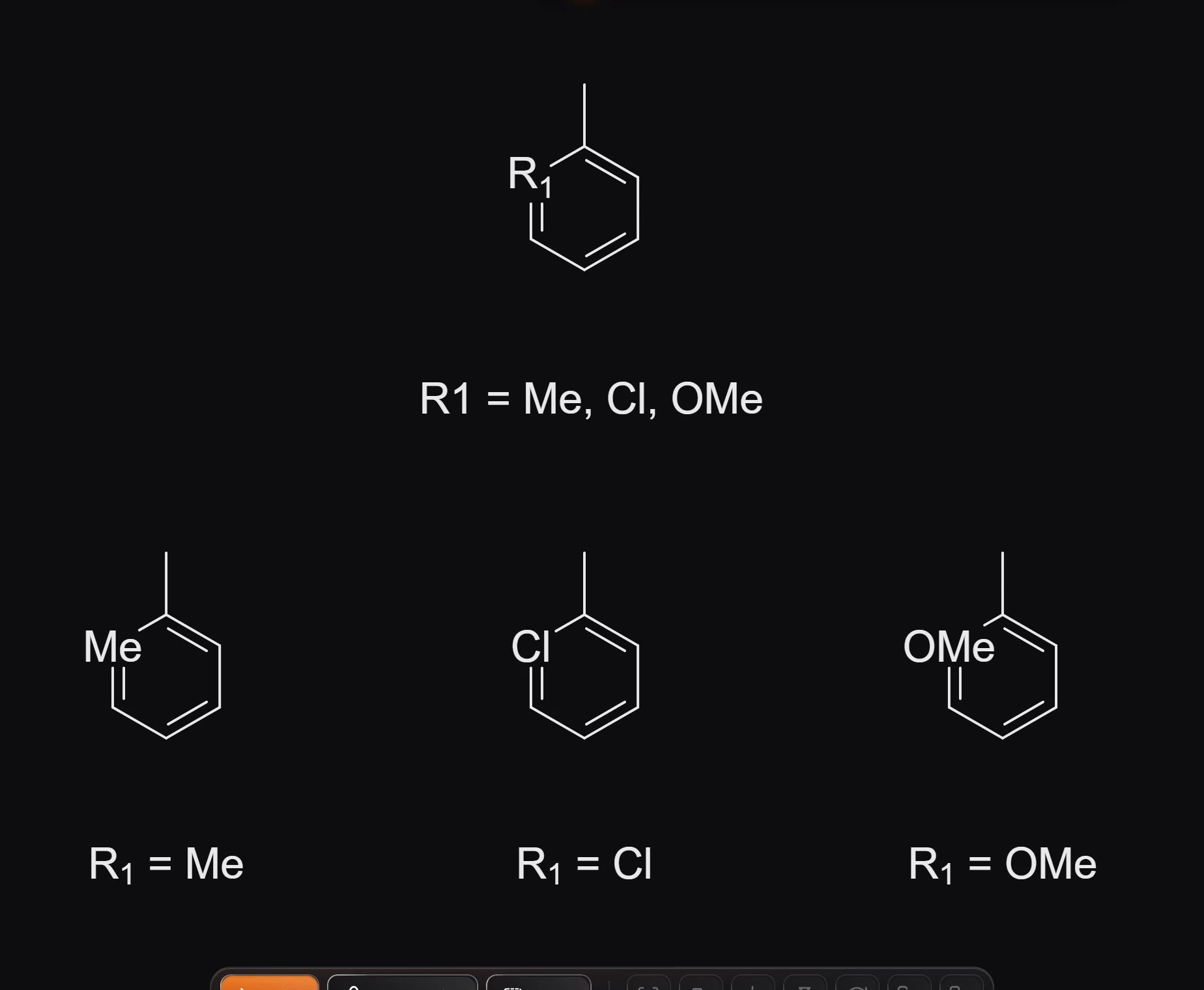
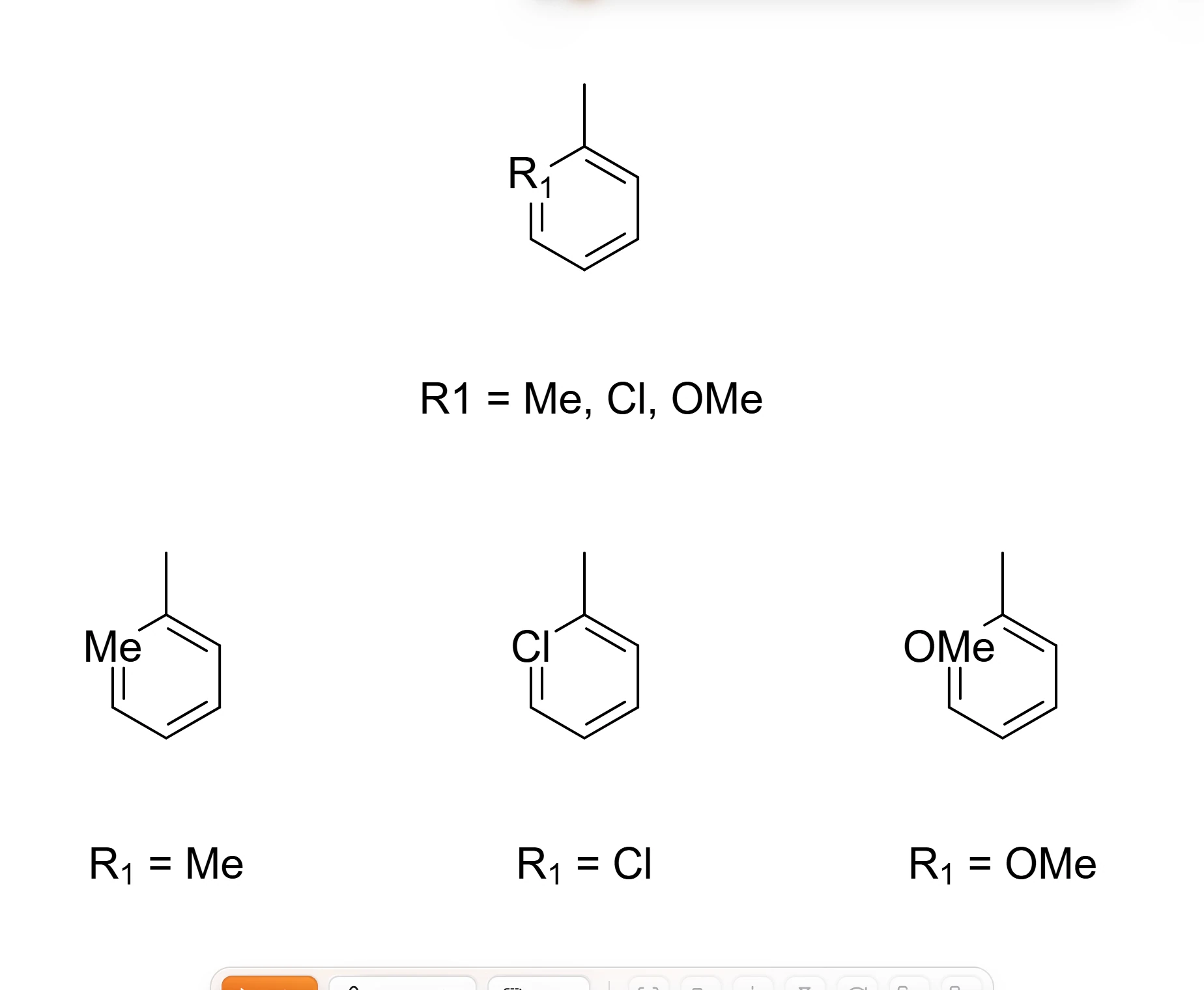
With two R-groups of three choices each, you get nine compounds. Each one is a real structure, with its own formula in Layers.
Show the definitions as a table
Insert › Insert R-group table draws each R-group and what it stands for as structures, under the page, from the same captions. Running it again redraws the table.
If nothing happens, the notice says why, for example "Draw a core with R1, R2, ... as atom labels first."
To apply a reaction to every combination of building blocks instead, see enumerate a library.
Is this helpful?
Last updated Nov 15, 2026
- Still stuck? Read the FAQ or contact support.
- Something wrong on this page? Tell us.
- For AI tools: llms.txt