
How to write and grade mechanism questions
In a problem set, set the problem's Answer type to Mechanism arrows, then switch the card to Correct answer and draw each step with its curved arrows. Students earn credit for each step their arrows explain. Mechanism templates come with the key drawn.
Start from a template
The quickest way: File › New problem set › From a template, the Organic chemistry tab, and tick mechanism templates such as SN2 mechanism or E2 mechanism. Each comes with its structures and its answer key drawn. See mechanism problem templates.
Write your own
In the problem set, select the problem and set Answer type to Mechanism arrows.
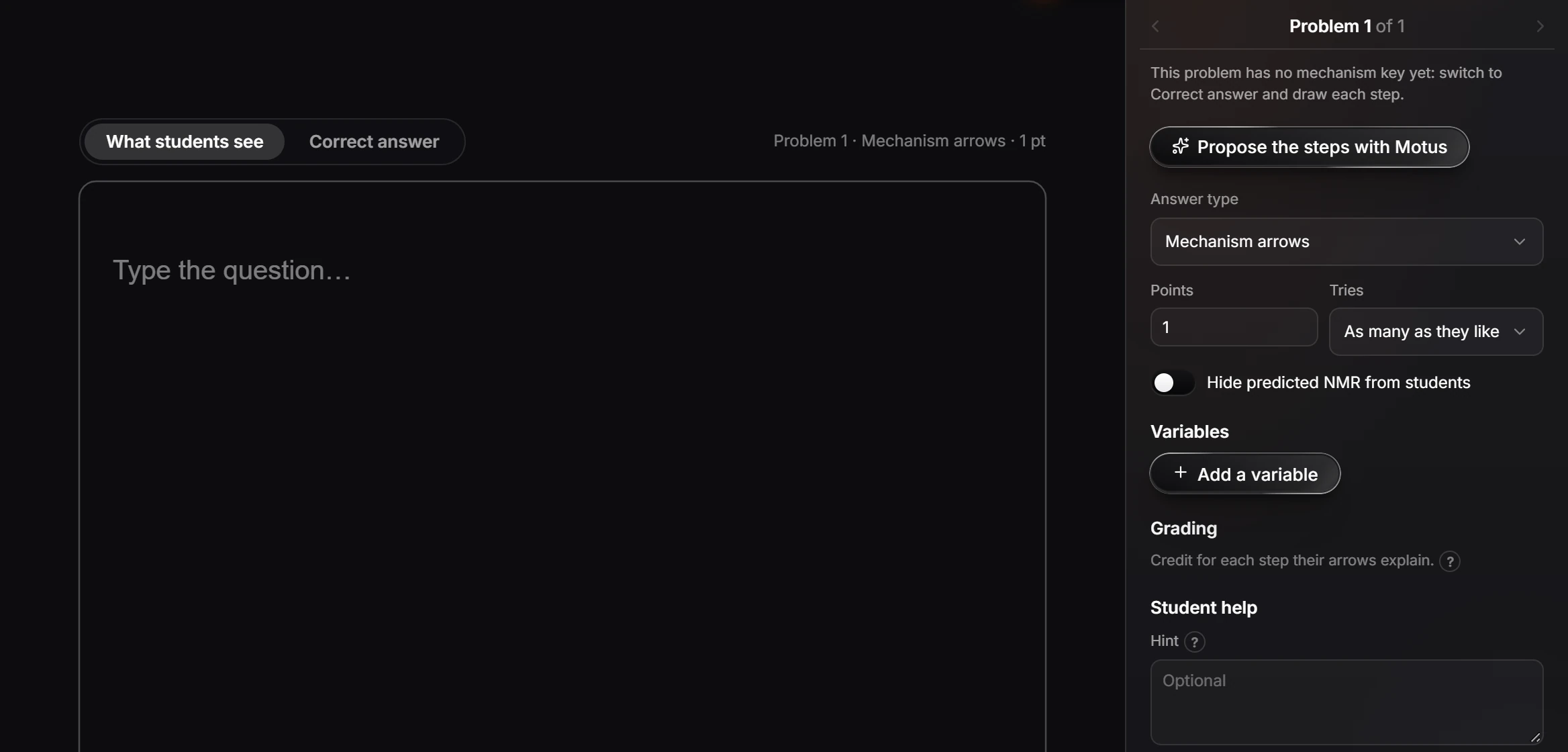
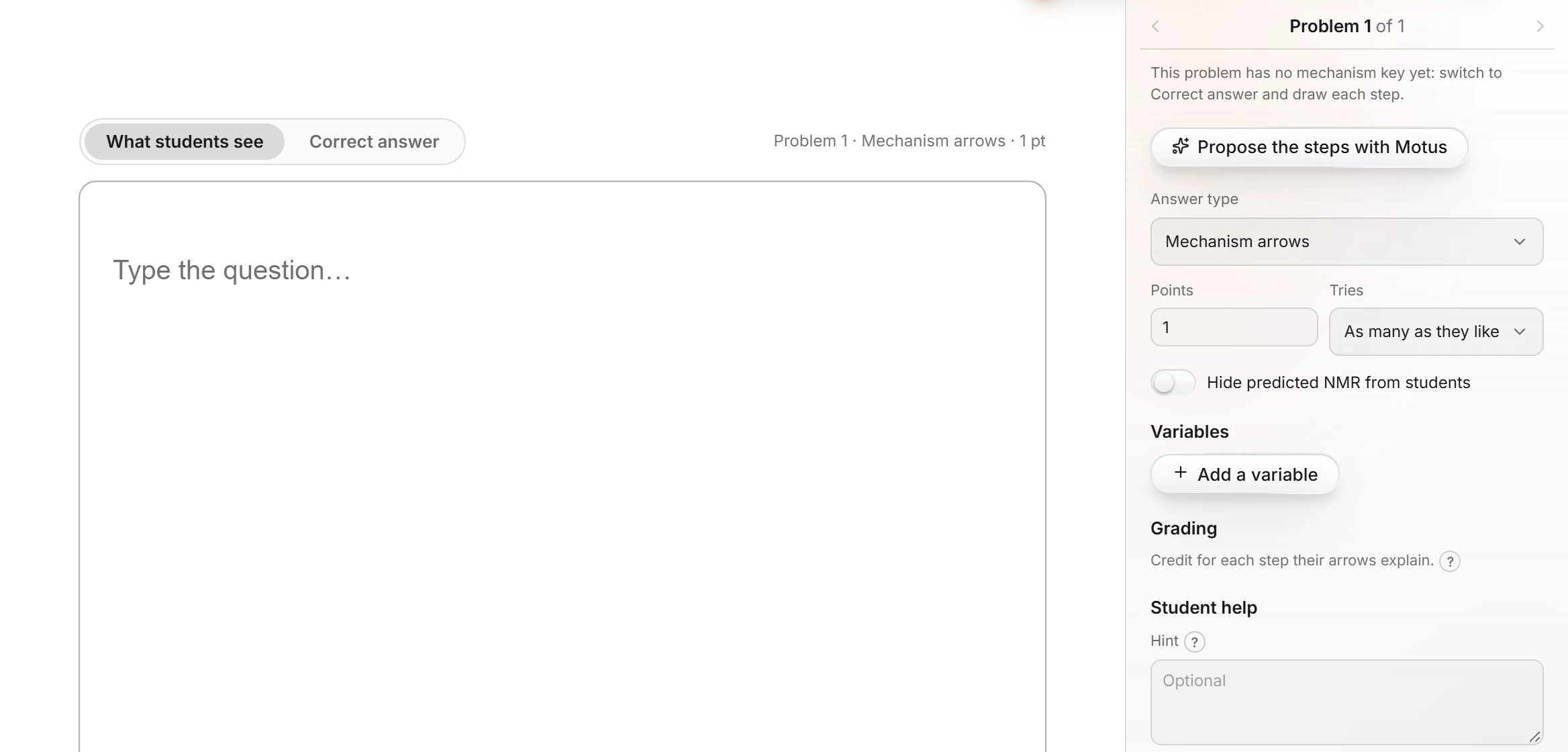
Type the question on What students see, and draw what students start with.
Switch the card to Correct answer and draw each step with its curved arrows. Until you do, the panel says "This problem has no mechanism key yet".
Propose the steps with Motus drafts the key for you to check.
How it is graded
Students draw curved arrows on each step. Grading gives credit for each step their arrows explain, so a student who gets the first step right and the second wrong still earns the first. Check names the step that is wrong, for example "Step 1 has no curved arrows: show how the electrons move."
Set Points, Tries, a Hint and an Explanation like any problem. For ungraded practice of the same kind, see practice for yourself or arrow-pushing practice. How grading works for a whole class, from a version per student to LTI, is summed up on mechanism grading.
Is this helpful?
Last updated Nov 15, 2026
- Still stuck? Read the FAQ or contact support.
- Something wrong on this page? Tell us.
- For AI tools: llms.txt