
How to write Punnett, pedigree, gel and sequence questions
Set the problem's Answer type to Punnett square, Pedigree, Gel lanes or Sequence strip, fill in the settings that define it, and the card draws the question. Try it as a student checks it before you assign it.
Select the problem and pick one of these under Answer type. Each draws its own card from the settings, and Try it as a student in the panel answers it as a student would.
Punnett square
Set Parent 1 and Parent 2 (for example Aa and Aa), what Students give (the square, the ratio, or both), and which Ratio (phenotypic or genotypic). The panel shows the result, for example "2 x 2 square · phenotypes 3:1".
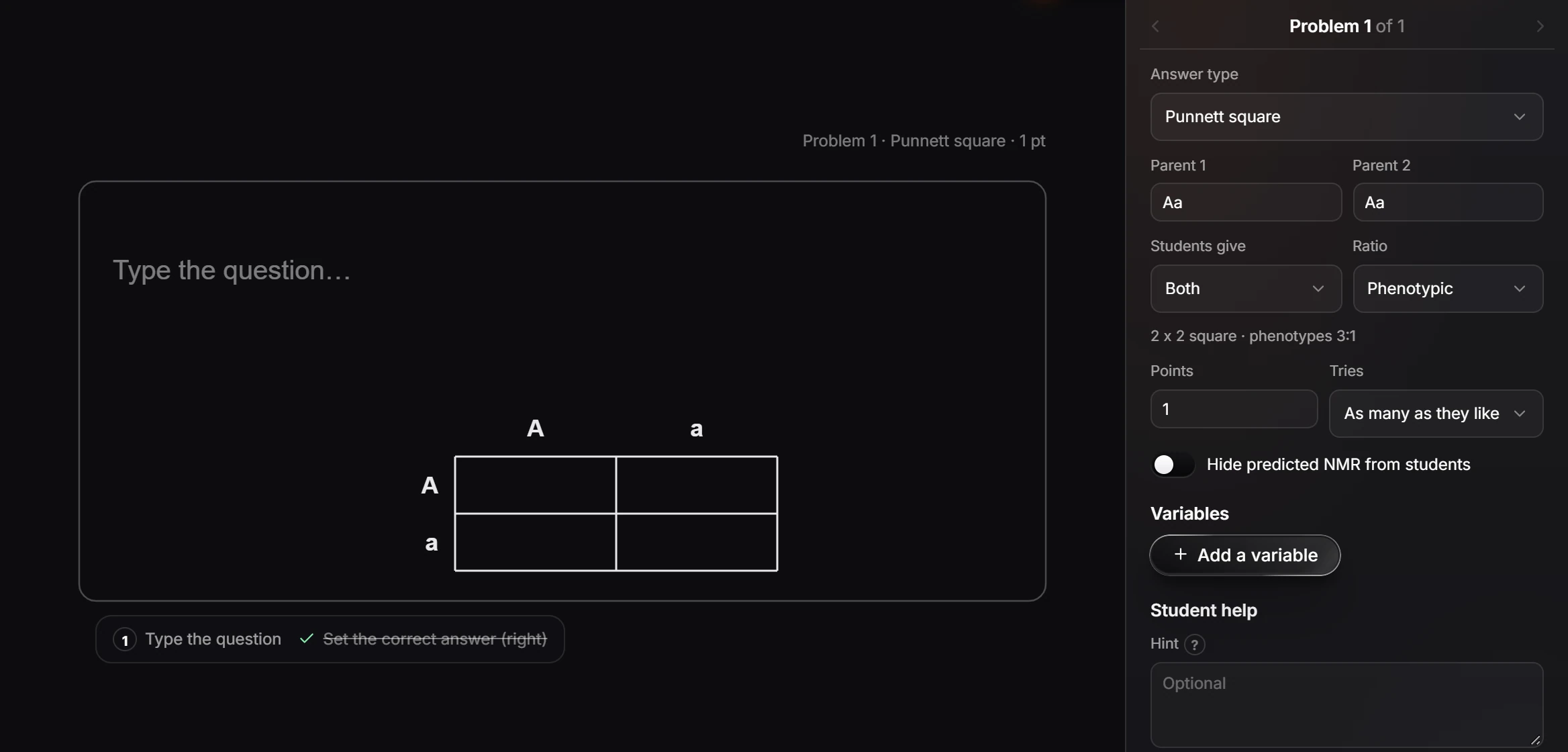
The Genetics templates include a monohybrid cross, dihybrid probability and Hardy-Weinberg.
Pedigree
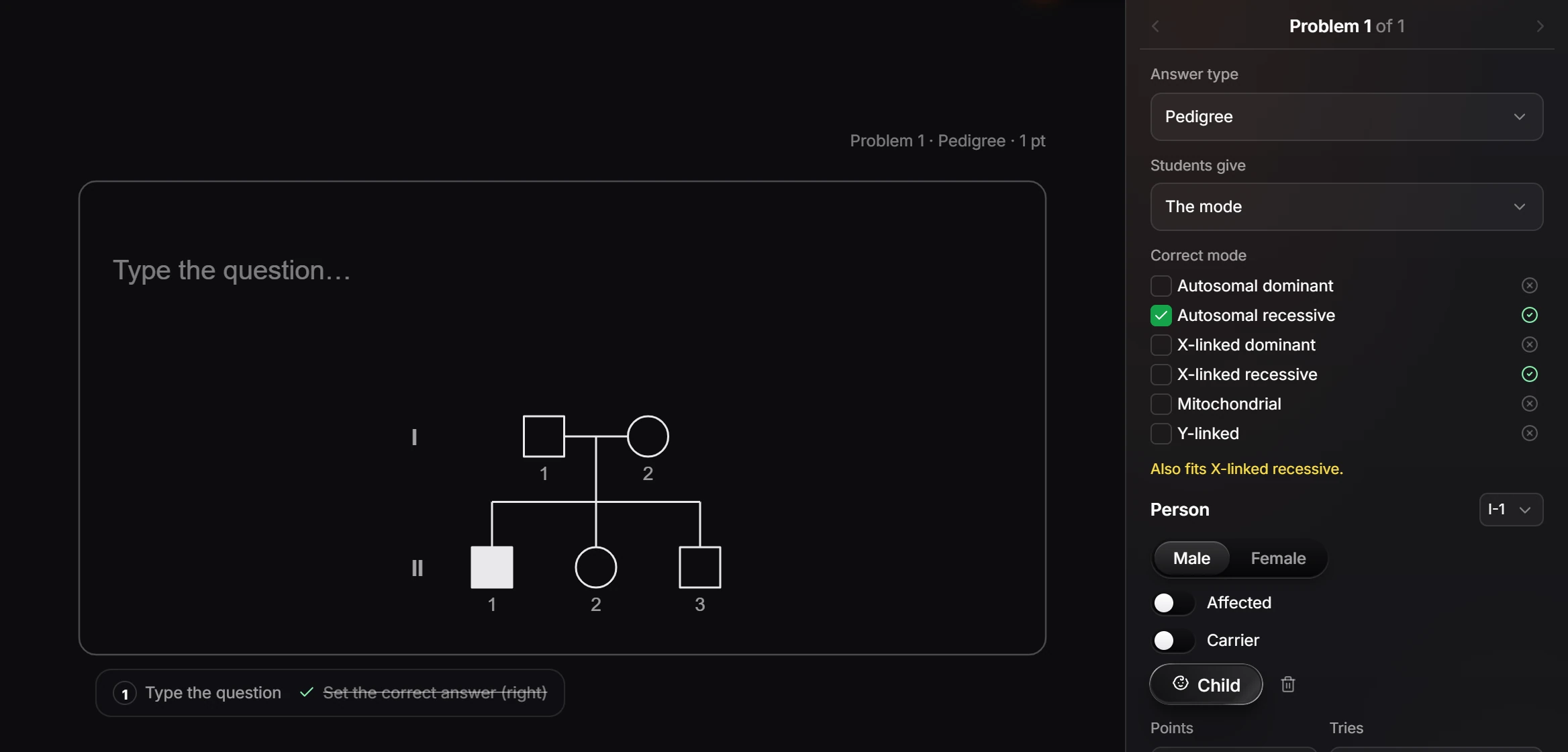
Build the family under Person: male or female, Affected, Carrier, and Child to add one. Under Correct mode, tick the mode of inheritance students should give. The panel checks your pedigree and says what else it fits, for example "Also fits X-linked recessive."
Gel lanes
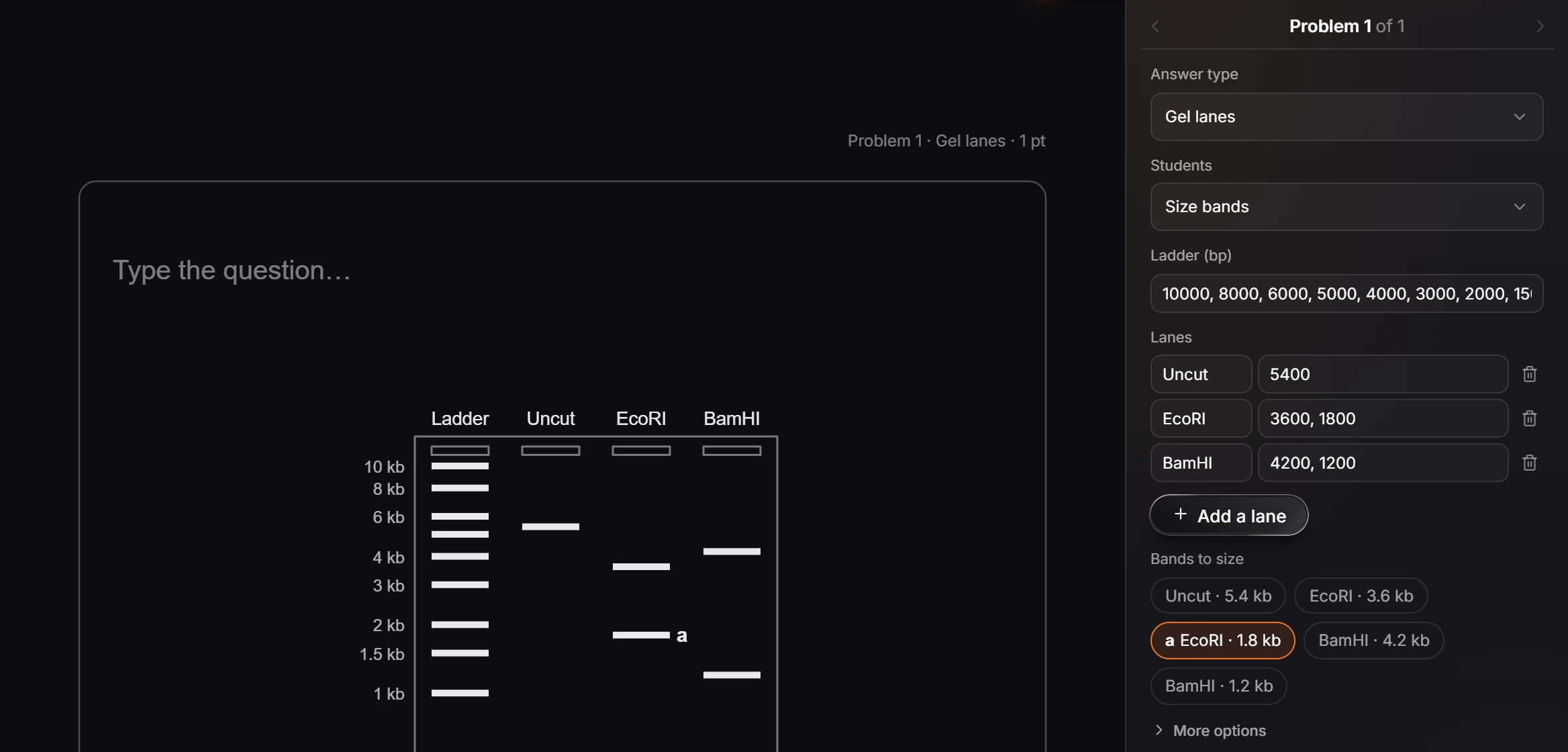
Set the Ladder in base pairs, add Lanes with their band sizes (for example EcoRI: 3600, 1800), and pick which Bands to size. Students read the marked band against the ladder.
Sequence strip
Choose what Students write, for example the mRNA from the template strand, and the Given strand (DNA or RNA, 5′ to 3′ or 3′ to 5′). The panel shows the key, such as 5'-AUGCCUAAGUGA-3'.
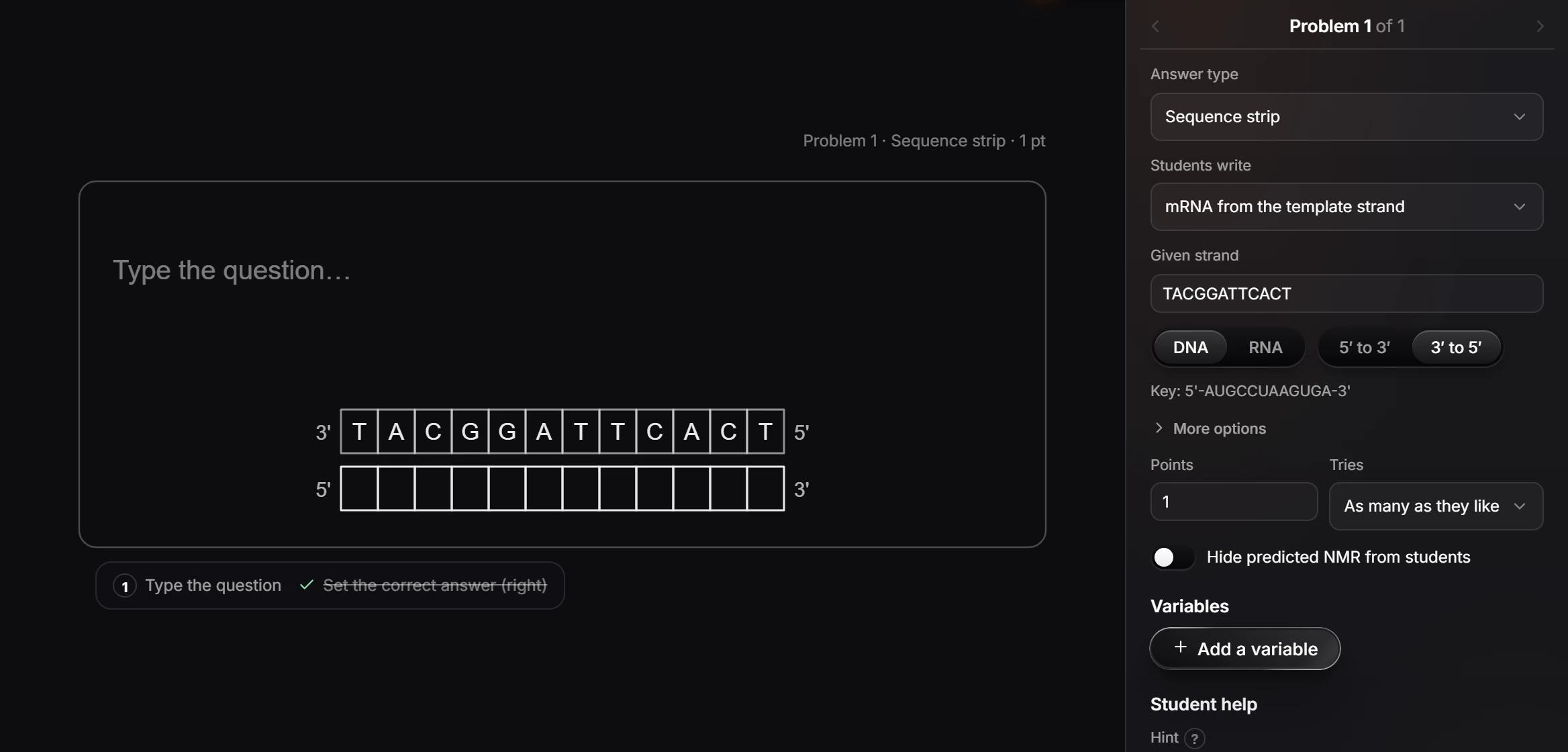
Set Points, Tries, a Hint and an Explanation like any problem.
Is this helpful?
Last updated Nov 15, 2026
- Still stuck? Read the FAQ or contact support.
- Something wrong on this page? Tell us.
- For AI tools: llms.txt